Quick preface: this is my personal opinion. There are some incredibly talented people at Zapier working on Zapier MCP, and I think it’s a great product. These opinions don’t reflect Zapier in any way. Some of this also depends on upstream providers supporting filesystems, so if you’re using a web agent that doesn’t allow to you store scripts, you’ll likely disagree with a lot of the things I’m writing here.
The tension I keep coming back to is this: MCPs were created by Anthropic to give AI systems a standardized way to connect with external tools and data sources. That’s a valuable idea, and adoption has grown quickly. It feels like every tool is shipping an MCP so agents can connect to their systems.
I’m very aligned with the concept. Agents become powerful when they can access real tools and real data. They need context to make good decisions, and we want them to automate meaningful work. I also like the idea of having a clear contract for how AI systems interact with external systems.
My argument isn’t that MCP solves nothing. It gives AI clients a standard way to discover and use external capabilities. But when a system already has a well-designed API, clear documentation, a strong SDK, and a helpful CLI, a capable agent can often work with those interfaces directly. In those cases, MCP becomes an optional compatibility layer rather than the foundation of the integration.
That feels like the better long-term investment. APIs, SDKs, CLIs, and documentation serve both people and agents, while an MCP interface primarily serves MCP clients. Models are increasingly being trained to write code, use terminals, navigate browsers, and work with the same tools people already use. As they get better at operating in that world, the need to rebuild every capability behind an agent-specific interface should shrink.
MCP made sense when it was created
The core idea behind MCP is that a server can expose almost anything as a tool. It can call a CLI, read or write files, run scripts, call APIs, or wrap other logic behind a tool interface.
That made a lot of sense when MCP launched. Assistants supported file uploads, code execution, and tool calling, but access to local filesystems, shells, and external services was still fragmented and product-specific. MCP offered a standard way to bridge that gap.
Things have changed. Today, agents often have access to code and files. Claude can run locally or in the cloud, and ChatGPT Work, which was Codex until recently, can work with files too. Skills have also been around for a while, and those are essentially files as well.
So I don’t think we need MCPs in quite the same way anymore. Agents can often execute scripts directly, especially now that they know how to use bash and work with files themselves.
Why the usual arguments for MCP don’t fully land for me
Extra context. MCP tools can give agents useful guidance about how a system works: which operation to use, what needs to happen first, which identifiers are required, and what constraints or side effects to expect. That context is valuable, but it isn’t valuable only to agents. The same guidance should already exist in the API documentation, SDK, or CLI so humans and agents can both understand how to use the system correctly. If an MCP tool is the only place where those rules are clearly explained, the underlying developer experience is missing something.
Customization. MCPs also aren’t very customizable by default. The creator defines the tool descriptions, and those descriptions tell the agent when to use each tool. If they’re too generic, too broad, or wrong, the agent may call the wrong tool, and you may not be able to change that if the MCP is hosted elsewhere.
Security. APIs already provide mature security mechanisms like scoped credentials, API keys, and OAuth. Depending on the API, these can restrict what a client can read, create, update, or delete. MCP introduces additional security considerations, but authentication, authorization, credential handling, and least-privilege access are broader integration problems.
Context pollution. Loading a full API or Swagger doc into an agent can definitely pollute context. But MCPs still load a lot of tool information too. Lazy loading and incremental discovery help, but skills can go further by only loading the relevant instructions and scripts when needed.
Instead of giving an agent a huge manual and asking it to reason through the same workflow every time, I’d rather give it a script it can run. The code can be reviewed, reused, and kept stable unless someone intentionally changes it.
I see MCPs as similar to building a local app or GUI for agents. They make APIs more ergonomic, which is useful. But agents are machines, and they don’t always need a UI layer. If the APIs exist, a skill or script can often call them directly.
How this shows up in practice: the Zapier SDK CLI
At Zapier, I’m working on the CLI for the Zapier SDK. One thing I keep coming back to is that the CLI itself should guide users through setup. I’m not going to tell a human to read an agent skill to understand how to use it. The CLI should provide clear next steps, useful errors, and enough context to recover when something goes wrong. If it works well for humans, an agent can benefit from that same guidance.
The broader point is that we shouldn’t assume every existing tool needs a separate agent-specific interface. Agents are increasingly capable of using the tools we already have: browsers, APIs, documentation, CLIs, SDKs, and scripts. MCP can still be a useful compatibility layer, but it shouldn’t become a substitute for making those underlying interfaces clear and usable.
Code is becoming an orchestration layer
Some agent runtimes are starting to add code-based orchestration alongside direct tool calling. Instead of having the model create and interpret each tool call one by one, they let it generate a small script that combines multiple calls, filters intermediate results, and returns only what the model needs. This is still emerging, but it suggests more of this work may move into code.
These environments commonly use JavaScript or TypeScript. If the logic the agent needs already exists as a script, calling that script directly is often simpler than generating code that calls a tool, which calls an MCP server, which eventually runs the same logic.
What I’d rather invest in is strong SDKs that contain the logic needed to interact with a system, plus a great CLI that guides people through using that system by making API calls, running scripts, or interacting with an app or API.
Skills shouldn’t have to repeatedly explain low-level calls such as “use curl with these headers to call this endpoint.” They can point the agent to reviewed scripts with clear purposes and inputs. Over time, those scripts become a library of reusable actions that the agent can compose into workflows.
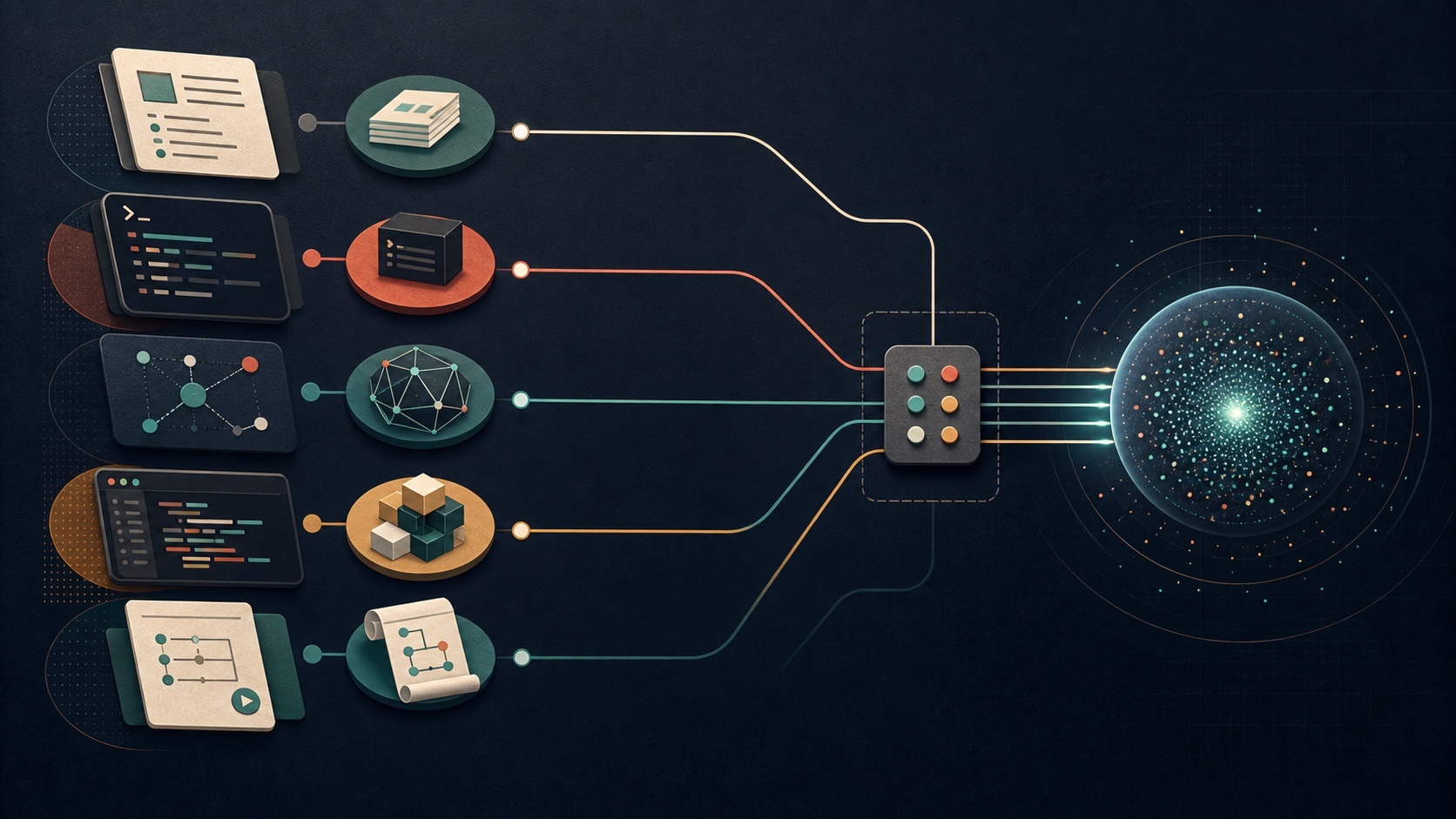
That also lets you codify common workflows. Say you want to fetch your tweets, write them to disk, categorize them, and send yourself an overview. Those might be four separate tools, but you can wrap them in one script and turn them into a reusable workflow. The next time you ask the AI to do those same four steps, it can just run the script.
Why scripts are compelling
I think MCP is a great concept. It solves a real problem. AI often doesn’t have tools or doesn’t know how to interact with a system, and fixing that is exactly what makes agents powerful.
That said, putting this logic somewhere only agents can access feels like the wrong approach. It should live in documentation, strong CLIs, and solid SDKs so both agents and humans benefit.
Solving this for both feels much more future-proof, especially as companies try to reduce token spend and codify processes so AI makes fewer mistakes. If an AI can run a proven script instead of reasoning through every step each time, it’s faster, uses fewer tokens, and is more reliable.
Scripts also help control what data reaches the agent. With a third-party remote MCP server, the provider defines each tool’s inputs and outputs. Unless it offers filtering options or narrower tools, you can’t adjust what comes back. For example, a Jira tool might return the full ticket, including labels, subtasks, and epic details, when you only need the summary or body. With a script that calls the API directly, you can shape the request and filter or transform the response before it enters the agent’s context.
A script also makes the workflow more stable. Once reviewed and tested, the same version follows the same execution path every time. Inputs, external services, and results can still vary, but the workflow stays fixed until someone intentionally changes it. That predictability is especially valuable in enterprise settings, where repeatability, reviewability, and controlled change often matter more than flexibility.
The short version:
- More deterministic, reusable, and safe. It runs the same script every time.
- Saves tokens. Code can filter and transform data before the agent sees it, and it doesn’t have to reason through the same steps every time.
- Faster. Code executes faster than most AIs can perform the same steps.
The developer using your API might not be human
Most tools already have an API. Instead of building an MCP to work around API limitations, I think teams should fix those limitations directly in the API.
That means better docs, even if writing docs isn’t everyone’s favorite thing. If you’re building an MCP, you’re already writing guidance. That same effort could make the API, SDK, or CLI easier to understand and use.
Historically, APIs assumed that their users were developers. When a request failed, the API returned a status code and perhaps a short error message, and the developer was expected to consult the documentation, inspect the request, and work out what to do next.
That model can be improved for both humans and agents. An API error should explain what failed, why it failed, and how to recover: which input was invalid, what values are accepted, whether the request can be retried, or which prerequisite must be completed first. Status codes still provide a useful machine-readable category, but the response itself should contain enough actionable information to guide the caller toward the next step.
When people see SDKs, CLIs, or API calls, they often assume they need a developer. So they look for an MCP because they think it removes that need. But the important shift is that the agent is, in many ways, a developer now.
Many major model launches highlight coding benchmarks. Agents are getting better at writing code, understanding code, working in codebases, calling APIs, running bash scripts, using CLIs, and controlling browsers or machines through scripts and computer use. Tools like Claude and Codex are already very strong at this.
If you point a capable agent at a good API, SDK, CLI, or codebase, it can usually figure out what to do. Raw API calls may not be the most ergonomic, but SDKs and CLIs can raise the abstraction level in a way that helps both humans and agents. You can put the same guidance there that you would put into an MCP: clear errors, specific integration steps, sequencing rules, pre-action checks, and helpful workflows.
MCPs are useful for that, but CLIs and SDKs can do it too. We already solved a lot of this for humans.
Meet in the middle, but bet on the human side
AI labs are training models to interact with a world designed for people. They’re getting better at handling human tools, human interfaces, and human workflows. MCPs can meet agents where they are, but models are also getting much better at meeting us where we are.
That’s why I think the better long-term investment is making our existing tools easier for humans to use. If your website is simple and clear, an agent controlling a browser can use it. If your API is well designed, documented, and supported by a thoughtful SDK or CLI, an agent can use that too.
The best part is that this benefits everyone. Better docs, APIs, SDKs, and CLIs make agents more effective while also creating a better experience for humans.
PS: here’s a skill to turn swagger docs into a skill, powered by scripts for the various endpoints. It also creates some scripts for common workflows based on your feedback =)
Leave a Reply